



We're currently experiencing technical issues with the REcore dashboard. REcore is working diligently to restore service as quickly as possible. Thank you for your patience and understanding.
We're aware of an issue preventing CRMLS users from receiving a MFA code or Forgot Password email/text when attempting to log in. Our team is working with the vendor to resolve this as quickly as possible.
Available at no additional cost:
Products available at a discounted rate
Additional Resources
Contact Us
Phone & Chat Hours
(English & Spanish)
Monday – Friday:
8:30 AM – 9:00 PM
Saturday – Sunday:
8:30 AM – 5:00 PM
Our Live Chat and Submit a Ticket options have moved! To contact our Support Team, please click the buttons below.
Available at no additional cost:
Available at a discounted rate negotiated by CRMLS
Additional Resources
Contact Us
Phone & Chat Hours
(English & Spanish)
Monday – Friday:
8:30AM – 9:00PM
Saturday – Sunday:
10:00 AM – 5:00 PM
Our Live Chat and Submit a Ticket options have moved! To contact our Support Team, please click the buttons below.
Login to your REcore Workspace
and select the “Manage Apps” button
on the right.
Navigate to the "Core Products" section, then select the "ReimagineHome" tile.
Arrive at the registration page
Login in to your Workspace to get started
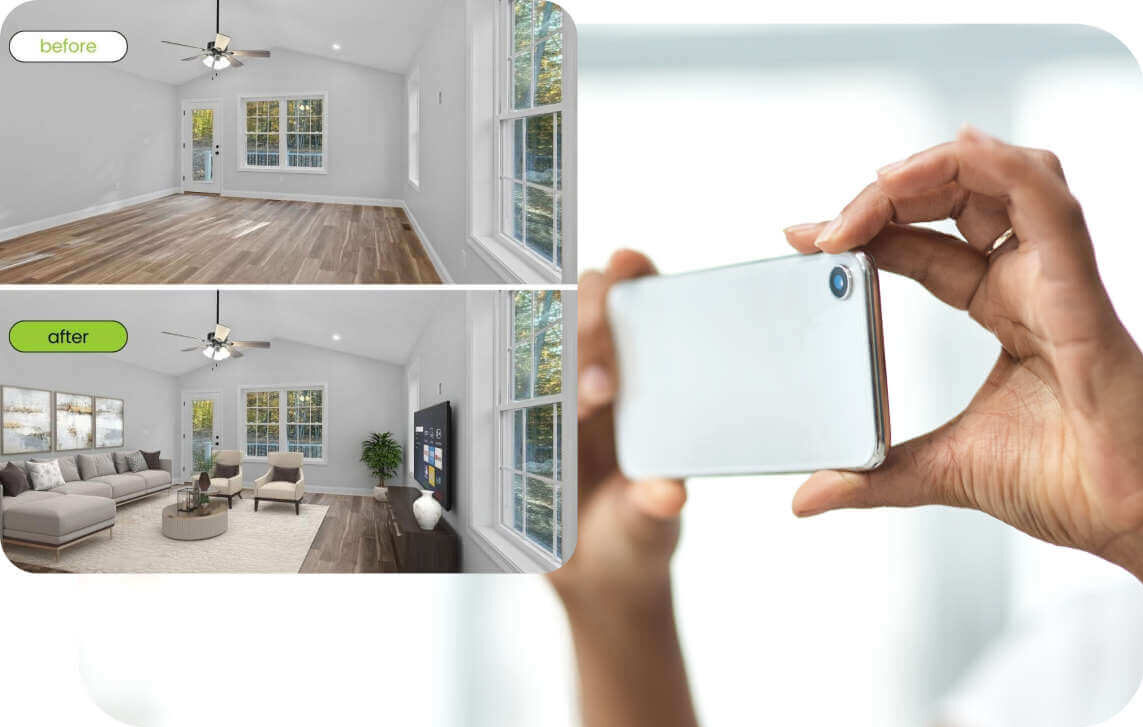
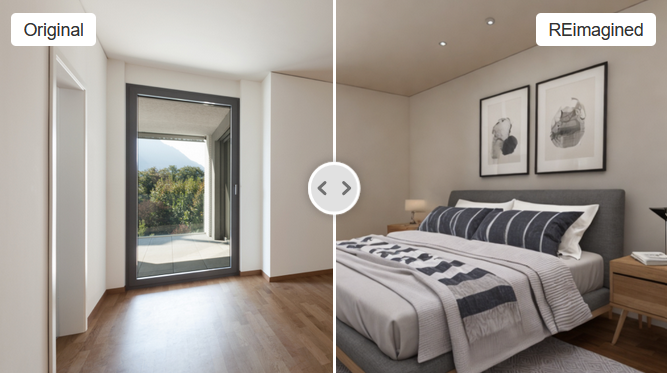
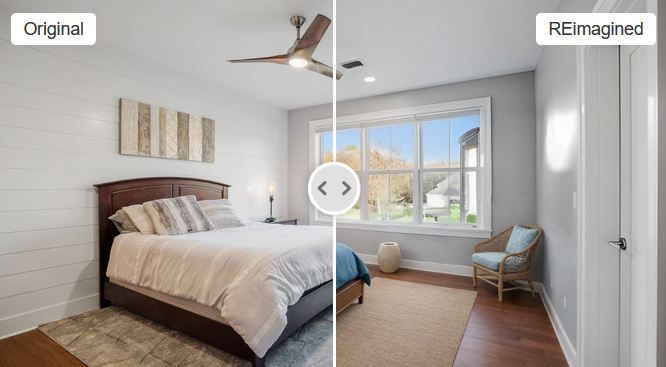
Furnish empty rooms with realistic furniture
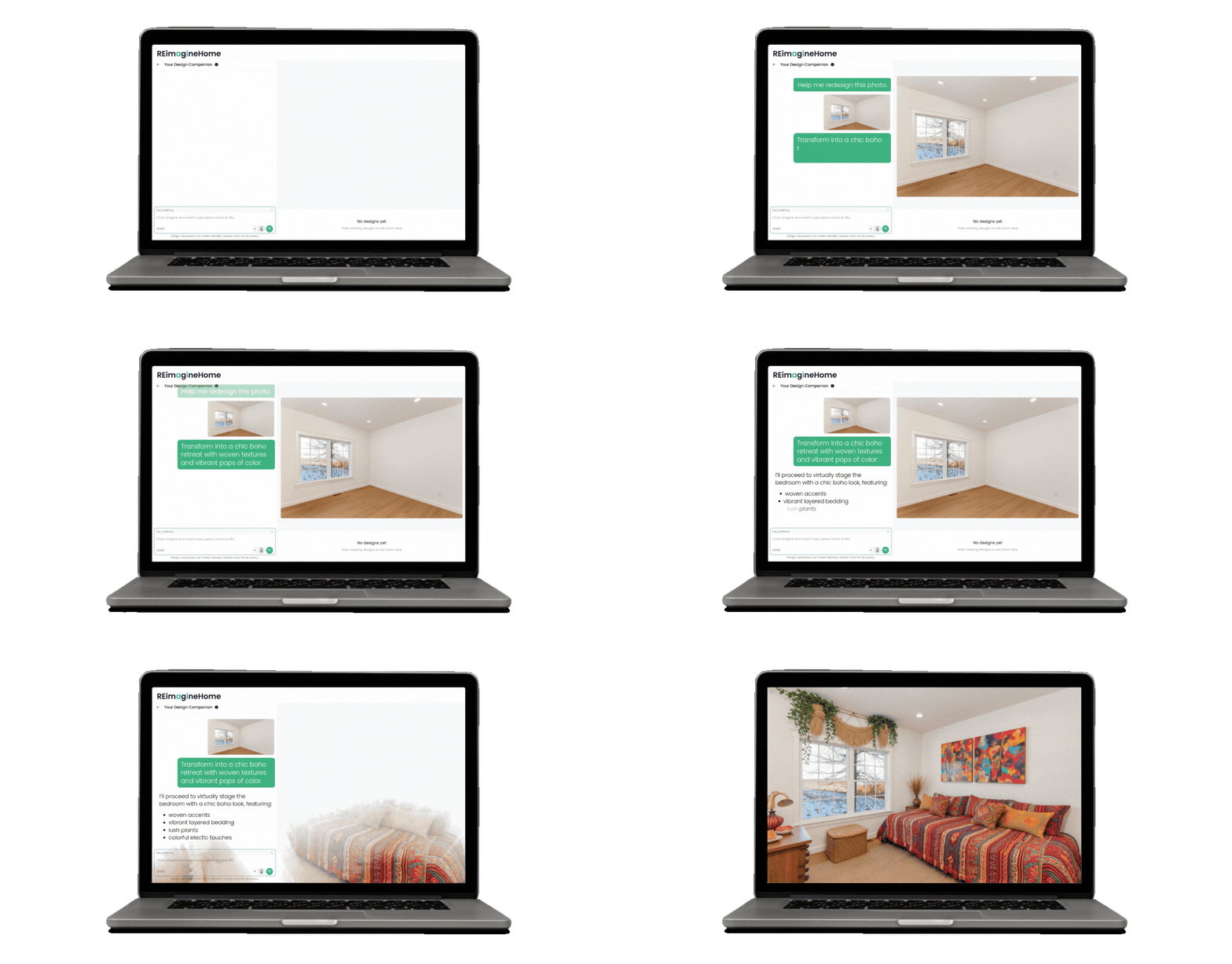
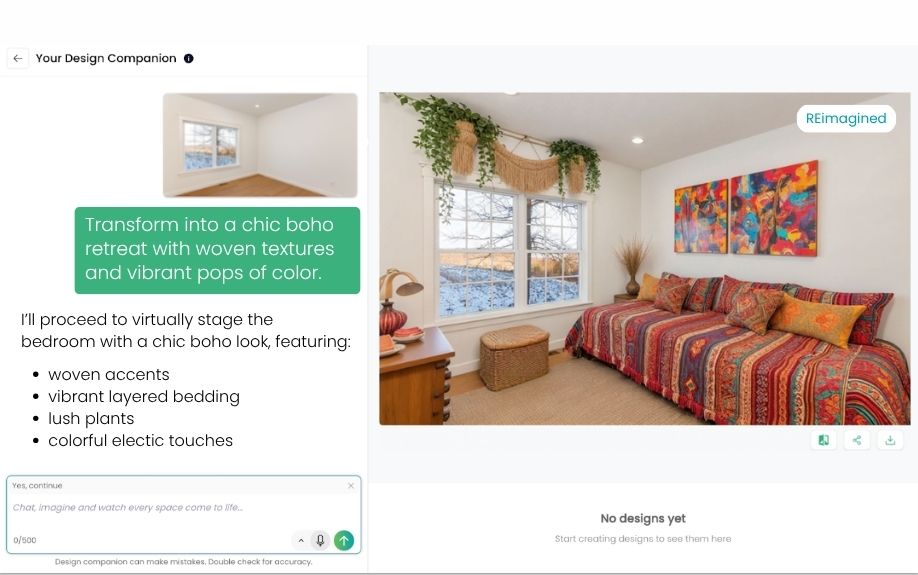
Use the conversational interface for design suggestions and guidance
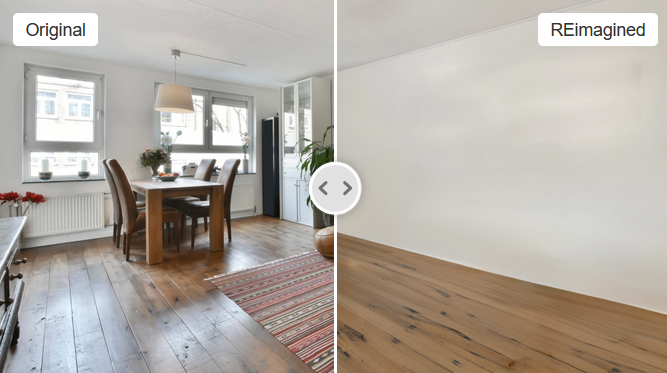
Remove all furniture and clutter in your room photos
Transform outdated furnishings into eye-catching interiors
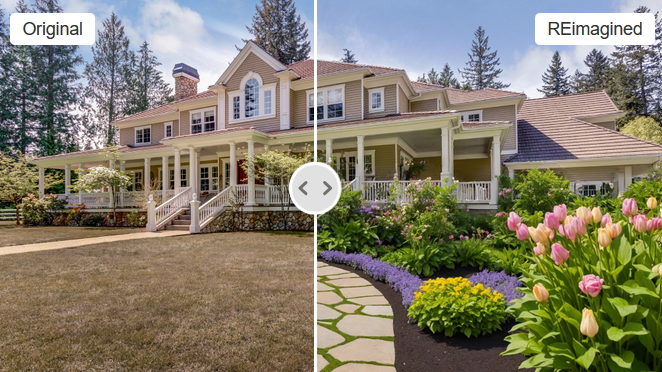
Edit your exterior photos with photorealistic landscapes*
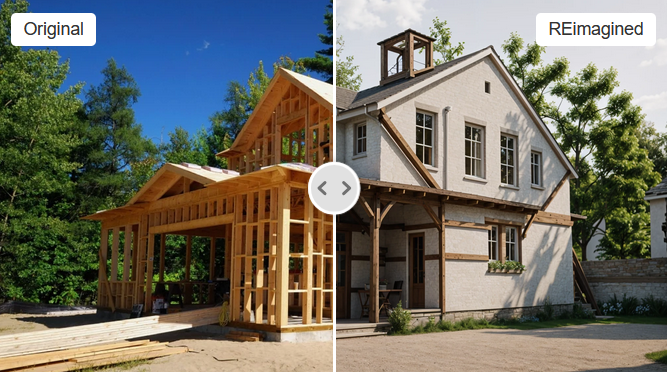
Create designs for 3D sketches, construction phases & existing homes
*AI-generated landscaping images are not permitted in the MLS, as they may misrepresent the real property, and are intended for buyer’s agents to use only as a visual tool to help buyers explore.
Virtually stage homes using advanced AI, with a wide range of furniture styles, color schemes, and interior design options.
Easily adjust your staging, including furniture layouts and décor, to align with client preferences or market trends.
The powerful AI platform behind ReimagineHome generates images in seconds, maintaining consistency across photos and listings.
Professionally staged homes stand out in listings, attracting more interest and higher-quality leads.
Speech support offers a hands-free experience, available in 15+ languages
Select your property photos or floor plans and upload them into the ReimagineHome platform.
Pick from a variety of interior design themes that suit your property’s style and target audience.
ReimagineHome processes your images, adds virtual furniture, and adjusts colors and textures for a lifelike look according to your preferences.
Once your images are ready, download them in high resolution and start sharing them across your listings*, website, and marketing materials.
*Rules and restrictions apply when adding digital enhanced images to MLS listings. Learn more here.
Registered users
Designs generated
Social media video views