



We're currently experiencing technical issues with the REcore dashboard. REcore is working diligently to restore service as quickly as possible. Thank you for your patience and understanding.
We're aware of an issue preventing CRMLS users from receiving a MFA code or Forgot Password email/text when attempting to log in. Our team is working with the vendor to resolve this as quickly as possible.
Connect or Report
Available at no additional cost:
Products available at a discounted rate
Additional Resources
Contact Us
Phone & Chat Hours
(English & Spanish)
Monday – Friday:
8:30 AM – 9:00 PM
Saturday – Sunday:
8:30 AM – 5:00 PM
Our Live Chat and Submit a Ticket options have moved! To contact our Support Team, please click the buttons below.
Available at no additional cost:
Available at a discounted rate negotiated by CRMLS
Additional Resources
Contact Us
Phone & Chat Hours
(English & Spanish)
Monday – Friday:
8:30AM – 9:00PM
Saturday – Sunday:
10:00 AM – 5:00 PM
Our Live Chat and Submit a Ticket options have moved! To contact our Support Team, please click the buttons below.
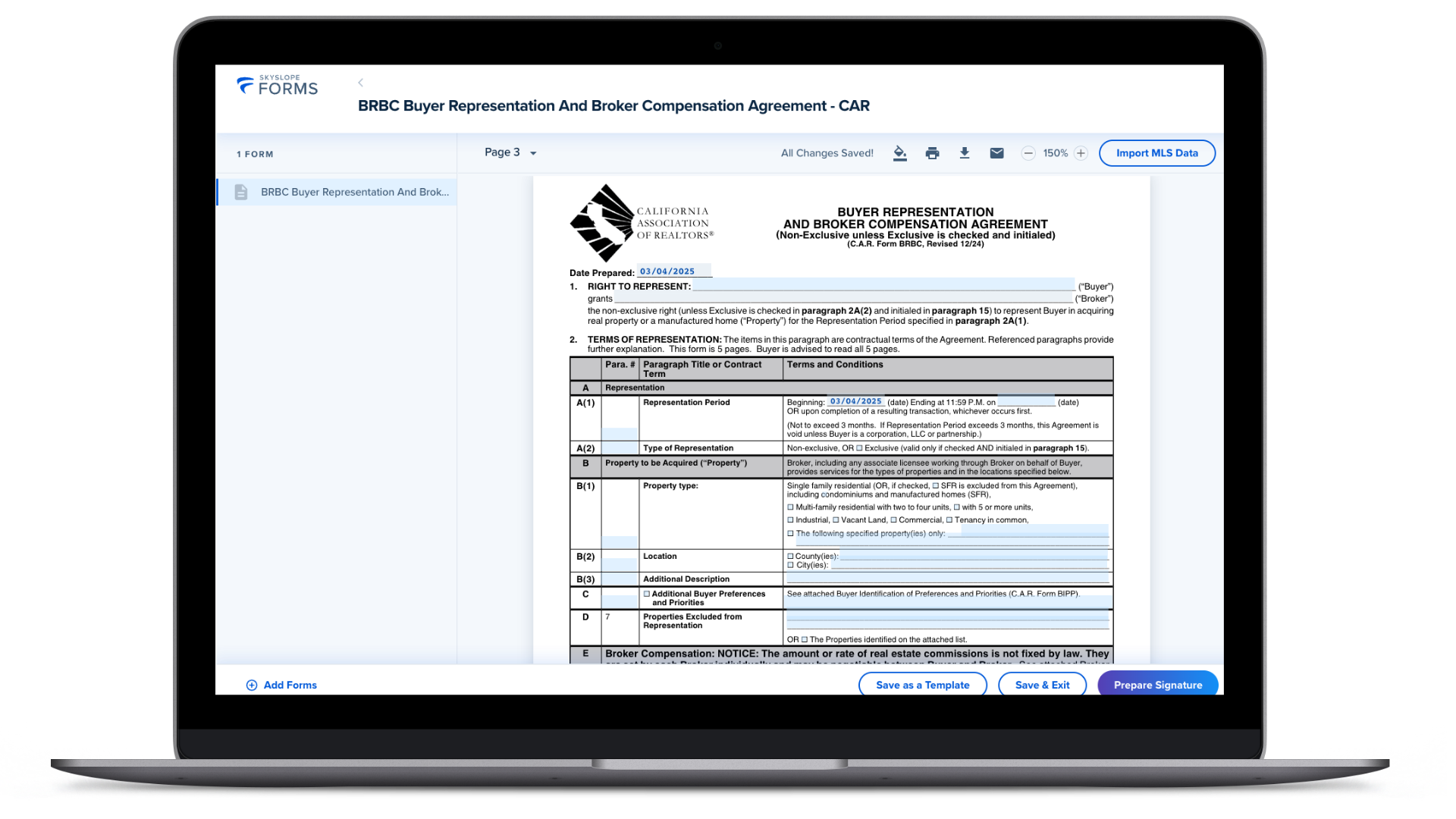
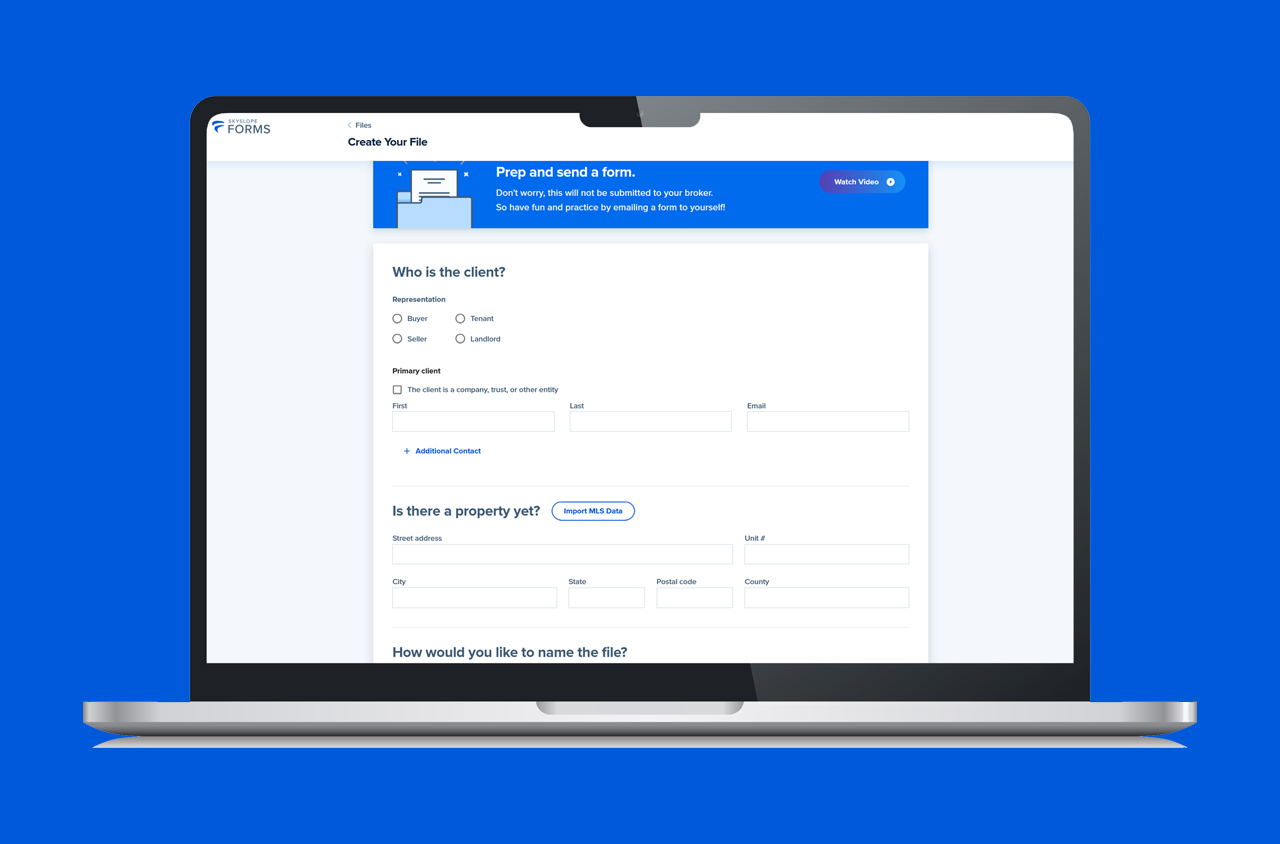
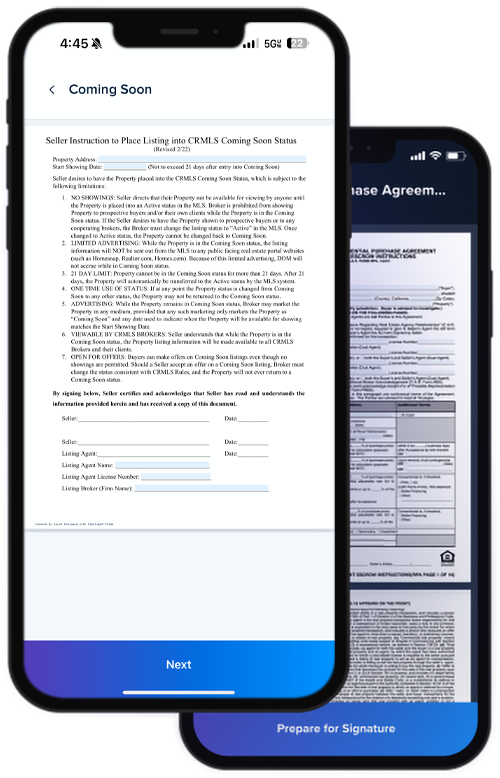
SkySlope Forms is designed to create, manage, and send real estate forms efficiently.
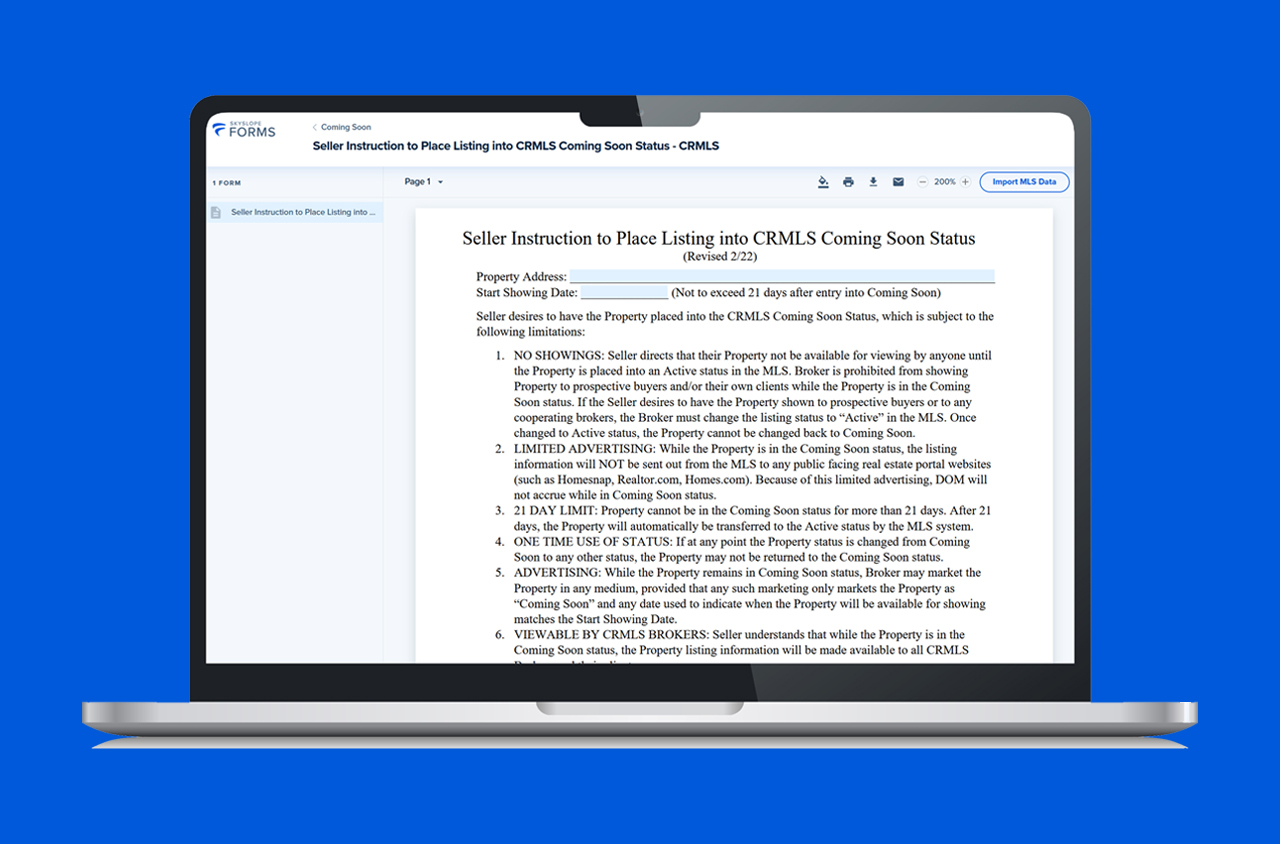
Access a library of user-created templates and Association-approved forms that auto-populate with MLS data, making it easy to streamline your workflow and manage transactions on the go with the SkySlope app.
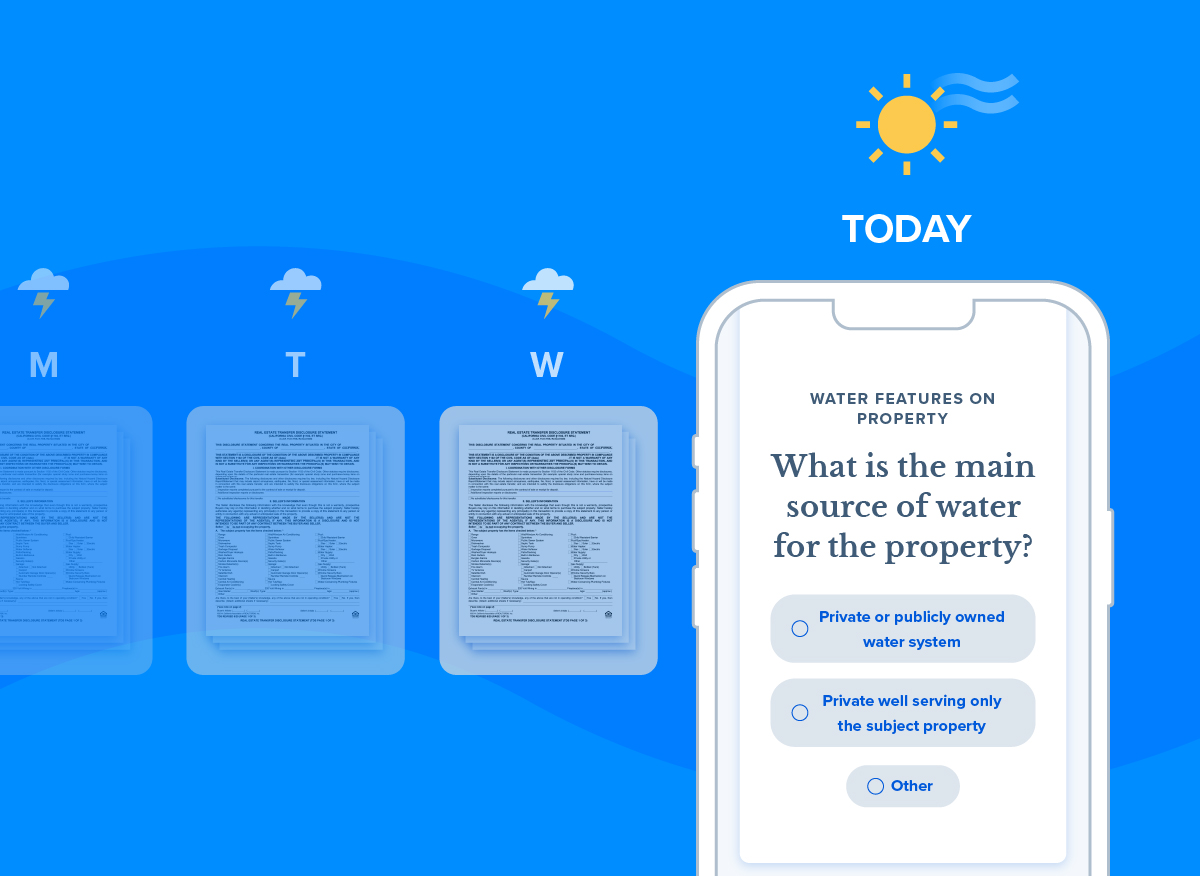
SkySlope Breeze streamlines seller disclosures by making them simple and quick for clients to complete.
With Breeze, agents can generate and send disclosure statements on the go while their clients receive a guided, user-friendly questionnaire to help accurately complete them.
SkySlope Forms also offers integration capabilities with e-signature tools, including a full suite of functionalities with DigiSign. However, SkySlope Forms can also be linked with a pre-existing DocuSign account.
To access SkySlope, log in to your REcore Workspace and select the "Manage Apps" button on the right.
Navigate to the "Core Products" section, then select the "SkySlope" tile.
From there, you’ll be directed to the SkySlope registration page.
Pre-built buyer agreement templates come fully compliant with the latest rules and policies.
No more duplicate data entry – SkySlope Forms eliminates manual data entry by auto-filling current MLS information.
With a broad collection of form templates, SkySlope Forms saves time and enhances accuracy.
Link a DigiSign or DocuSign account (sold separately) for integrated e-signature capabilities.
Note: These e-signature accounts are purchased separately. DigiSign is a SkySlope-owned product, and users will be prompted to sign up for one of their subscriptions if they wish to send a form for e-signature. A Docusign account will still afford you e-signature functionalities once integrated.
Take sellers through complex disclosure forms with easy-to-follow tips and definitions.
Track the progress of disclosure form completion, submission, and any edits.
Integrated digital signing
Access SkySlope Forms on-the-go. Get started today by downloading the SkySlope Forms App from the Apple Store or Google Play!